Craftify Car: make the wheels work before adding more parts
The most important driving decisions happen on the build grid. A tall or poorly balanced design may fail on terrain that a wider chassis can cross. Races reveal which part of the construction needs changing, and winnings expand the available building options.
Controls
Drag & Drop: Move parts from the inventory onto the crafting grid. Tap: Press "Start," "Rotate" parts, or trigger boosts during the race.
Make the wheels work before adding more parts
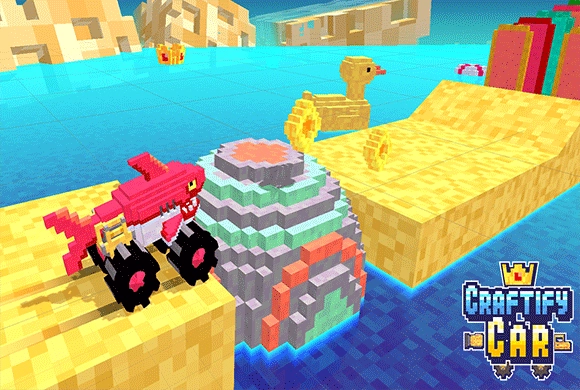
"Craftify Car" is divided into two phases: Crafting and Racing.
You are given a blue grid and a limited "Capacity" (e.g., 2/7 meaning you can place 2 more blocks).
At the bottom, you have a selection of parts: wooden blocks, wheels, boosters, etc.
Drag and drop these parts onto the grid. You must design a functional car—it needs a body and wheels touching the ground. You can use the "Rotate" button to change the orientation of parts.
Think about physics! Don't make it too tall or it will flip.
Once you hit "Start," you are matched against an opponent.
The race is mostly automatic, driven by physics. Your car will accelerate forward.
If you get stuck on a hill, a "GET UNSTUCK?" button might appear, allowing you to apply a temporary boost or adjustment to continue.
The first car to cross the finish line wins coins. Use these coins back in the menu to buy new parts and expand your crafting grid!
Custom Car Building
Drag and drop parts on a grid to design your own vehicle.
Physics-Based Racing and Special Components
Watch how your design choices affect the car's balance and speed.
Equip propellers for flight or drills to smash through obstacles.
Compete against other wacky creations in challenging obstacle courses.
Earn coins to expand your grid capacity and buy rare parts.
Build a vehicle that can cross the obstacle course and beat the opposing car to the finish
Place wheels along the ground line before spending capacity on extra height. Widen or rebalance a vehicle that keeps tipping on hills. Choose a drill or propeller for the obstacle it needs to solve, not only for appearance.
Wheels placed above the ground line may leave the car unable to move. Stacking the body too high makes the design easier to overturn.
This guide is based on the supplied game instructions.
Questions about Craftify Car
Why doesn't my car move?
Ensure your wheels are correctly placed at the bottom of the chassis and are touching the ground line in the crafting grid.
Why does my car keep flipping over backwards?
Your car's center of gravity is off. Try adding more blocks to the front or making the base wider to keep it stable on steep hills.
Something not working?
Tell us the game name, your device and what happened at lucas@megaplaygame.com.